

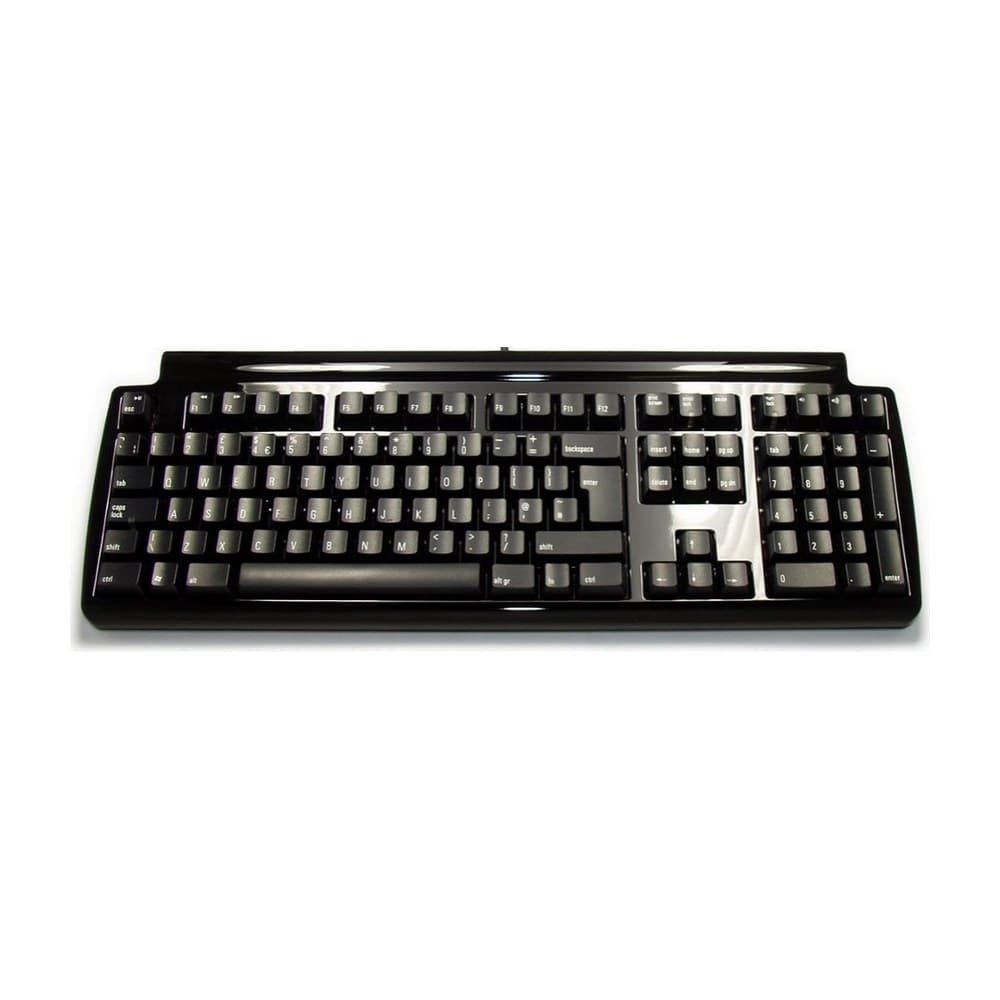
Matias Quiet Pro and Tactile Pro PC Keyboards
Product Specifications
| Product Code | KBC-FK302PC-UK |
|---|---|
| Size | Matias Click / United Kingdom |
Switch Type: Matias Click
Layout: United Kingdom
Ask Bio about this product
AI assistant · instant answers
The Quiet Pro for PC in UK layout, uses Matias’ new Quiet Click mechanical keyswitches. They deliver a feel that’s unmatched for comfort – without sacrificing the tactile feedback you need to type really fast. It’s really quiet. Mechanical keyboards offer the best performance, but they’re noisy – to
Get a reminder for regular delivery and save with code SUBSCRIBE10 at checkout. Pause or cancel anytime.
Supplied and dispatched by The Keyboard Company View store →
Description
The Quiet Pro for PC in UK layout, uses Matias’ new Quiet Click mechanical keyswitches. They deliver a feel that’s unmatched for comfort – without sacrificing the tactile feedback you need to type really fast.
It’s really quiet.
Mechanical keyboards offer the best performance, but they’re noisy – too noisy to use in most offices, or around other people. This is the first one that’s quiet. Over two years in the making, it’s the only mechanical keyboard that keeps both your fingers and your co-workers happy.
3 extra USB 2.0 ports.
Some keyboards have 2 USB ports – most have none. We’re giving you three! You can plug in flash drives, digital cameras, your mouse, and more.
Laser etched keys.
All those symbols are handy, but what happens when they wear off? They won’t. They’re laser etched – burned into the keys with a laser – so they’ll never wear off.
Sculpted keytops.
The latest trend in keyboards is to have very flat & wide keys, with little or no space between them. You see this a lot on laptops and netbooks. While they look great, they can also be a little tricky to type on. The flatness makes it very easy to slide out of home row and lose your bearings.The Quiet Pro bucks this trend. It has traditional sculpted keytops, curved to fit your fingertips, and keep you from sliding out of home position.
Audio & media controls.
Dedicated keys let you control Volume Up / Down / Mute. Plus, by holding down the Fn key you gain access to strategically located Pause / Play, Next Track, and Previous Track keys.
Tab key on the number pad.
For users who do a lot of spreadsheet work or accounting entries, we’ve added a Tab key to the number pad. It streamlines your data entry, and saves you time.
Ghosts busted.
Most keyboards allow only a few keys to be pressed at once, so they can’t keep up with very fast typists. The result is called ghosting – letters missing from what you actually typed, or additional letters that you didn’t type. The Quiet Pro has special Anti-Ghosting Circuitry to eliminate these problems. You can type as fast as you’re able; the Quiet Pro will keep up.
Questions & answers
Ask Bio — questions answered by our team are published here.
No published questions yet. Ask Bio — once our team answers, it appears here.
Similar Options
Other choices in this category
Complete Your Basket
Goes well with this product
Customers also bought
Based on real order data