

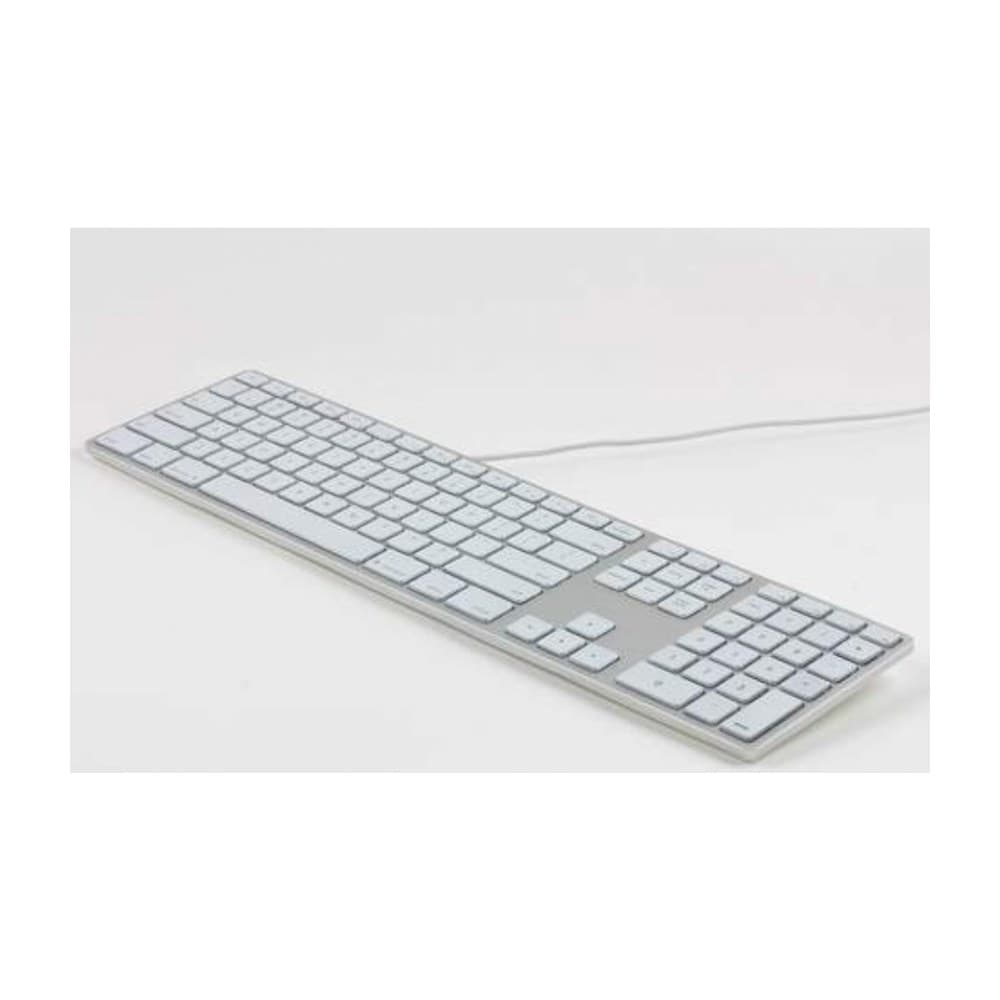
USA Matias Wired Backlit Aluminum Keyboard for Mac Silver
Ask Bio about this product
AI assistant · instant answers
It’s the keyboard many have wanted, but Apple never made – a wired RGB backlit keyboard, in beautiful aluminum. Typing is tactile & responsive. With a generous 2mm of key travel, typing feels as tactile and responsive as any of the best laptop keyboards. Spectrum Color Dial. The Color Dial gives you
Get a reminder for regular delivery and save with code SUBSCRIBE10 at checkout. Pause or cancel anytime.
Supplied and dispatched by The Keyboard Company View store →
Description
It’s the keyboard many have wanted, but Apple never made – a wired RGB backlit keyboard, in beautiful aluminum.
Typing is tactile & responsive.
With a generous 2mm of key travel, typing feels as tactile and responsive as any of the best laptop keyboards.
Spectrum Color Dial.
The Color Dial gives you a continuous spectrum of colors, by simply turning the dial…
For White, turn all the way to the left, or all the way to the right – passing through a rainbow of colors in between.
It’s the ultimate in simplicity & flexibility.
Nightly whites.
Too much Blue-light exposure at night is known to negatively impact your melatonin levels. This can shift your body’s natural time clock – leading to poor sleep and various other health issues.
The backlight on this keyboard was SPECIFICALLY designed to address that problem…
Turning the Color Dial all the way to the left or right gets you White (which is 100% Red, Green, and Blue).
BUT when you turn the Dial back, it preferentially reduces the BLUE component of White, resulting in softer Whites, that are more Yellow (and better at night).
Dial it back a little further, and you have 100% Yellow (0% Blue).
Dial it back further still, and you get 100% Red – which is the color that least impacts sleep patterns.
Reducing the backlight brightness is also advisable (see below).
Brightness control.
You can adjust the brightness of the backlight (in 10% increments) anywhere from 0 to 100% …
Hold down the -/+ backlight key, then press + or – to increase/decrease the brightness.
You can also select a brightness level directly, by holding down the -/+ backlight key, then pressing a number (1 = 10%, 2 = 20%, etc.).
-/+ backlight key and Esc turns off the backlight.
Mouse-friendly USB port.
The built-in USB 2.0 port is perfect for connecting your favourite wired mouse (or wireless dongle).
Mac-friendly function keys.
Just like an Apple keyboard, the function keys let you control screen brightness, volume, iTunes, and more.
There’s even an Fn key, that lets you momentarily change the function keys back to their traditional duties, when you need them.
Questions & answers
Ask Bio — questions answered by our team are published here.
No published questions yet. Ask Bio — once our team answers, it appears here.
Similar Options
Other choices in this category
Complete Your Basket
Goes well with this product
Customers also bought
Based on real order data