

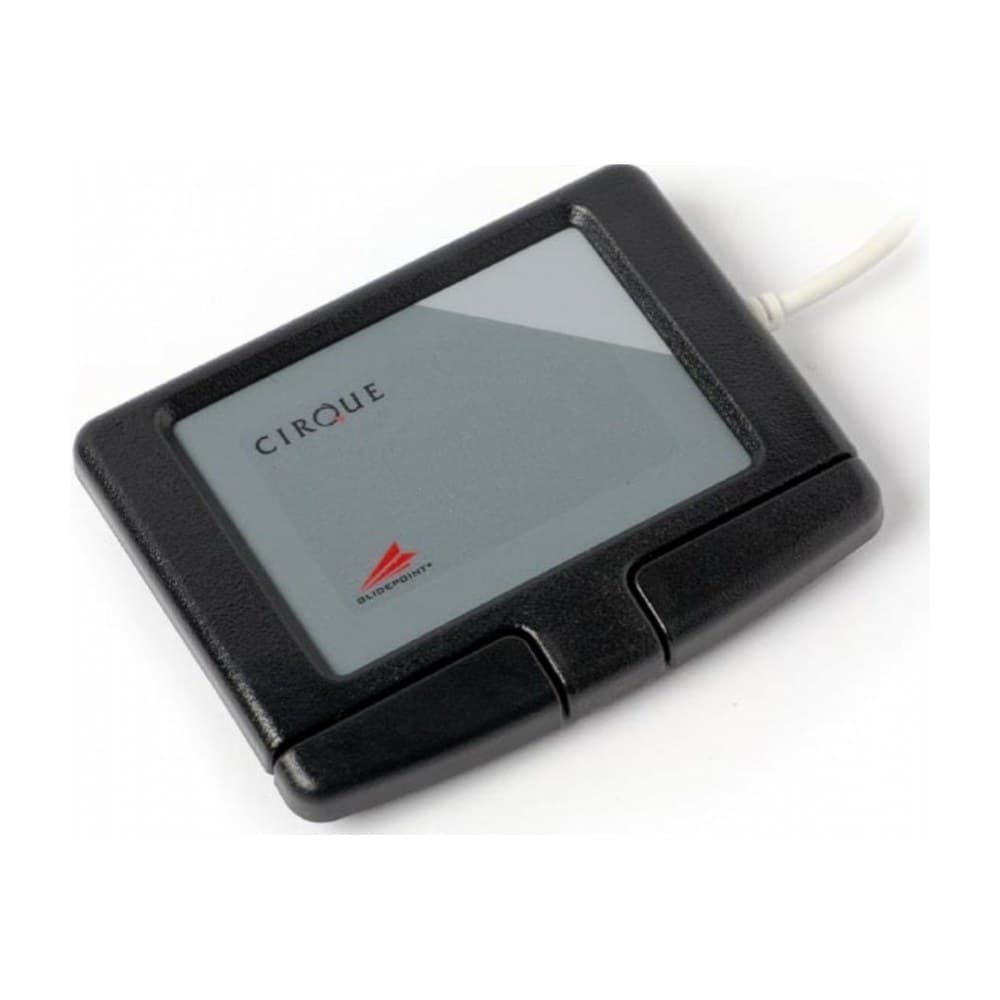
Cirque Easy Cat Glidepoint Touchpad, Black, USB
Ask Bio about this product
AI assistant · instant answers
The black, USB, Cirque Easy Cat® touchpad makes it easier and more comfortable than ever to control your computer. To perform basic mouse functions, simply glide your finger over the smooth surface of the Cirque Easy Cat® to point, then tap on the pad or press on the buttons to click. Both ‘left’ an
Get a reminder for regular delivery and save with code SUBSCRIBE10 at checkout. Pause or cancel anytime.
Supplied and dispatched by The Keyboard Company View store →
Description
The black, USB, Cirque Easy Cat® touchpad makes it easier and more comfortable than ever to control your computer. To perform basic mouse functions, simply glide your finger over the smooth surface of the Cirque Easy Cat® to point, then tap on the pad or press on the buttons to click. Both ‘left’ and ‘right’ click functions can be activated by tapping on designated areas of the pad. It’s easy to detect the ‘right’ click area of the pad thanks to the subtle change of pad texture and color. Double-tap and hold your finger on the pad, or hold the left button as your finger glides, to grab, drag and highlight any item on-screen. Activate vertical scroll by simply gliding a finger along the right edge of the touchpad. The GlideExtend® edge extending feature makes it easy to keep moving the cursor after you’ve run into the touchpad’s edge. The Cirque Easy Cat® works ‘out of the box’ with all native Microsoft Windows® operating systems; no drivers required.
GP160U-0321
Questions & answers
Ask Bio — questions answered by our team are published here.
No published questions yet. Ask Bio — once our team answers, it appears here.
Similar Options
Other choices in this category
Complete Your Basket
Goes well with this product
Customers also bought
Based on real order data